It is a classic that we see over and over: a potential client writes in expressing interest, someone on the team replies, and then the thread gets lost. No one follows up, the quote goes unsent, or it is simply forgotten. It is not that the team is not trying; it is that relying on people's memory for sales does not scale, no matter how much good will there is. That is where a CRM comes in.
For us, in plain English, a CRM (Customer Relationship Management) is a smart, shared address book for all your business contacts: who they are, what stage they are in, what was discussed last time, and what needs to be done next. The difference compared to an Excel spreadsheet is that the CRM remembers for you, notifies you when it's time to follow up, and gives visibility to the whole team, not just the person who spoke to that particular client.
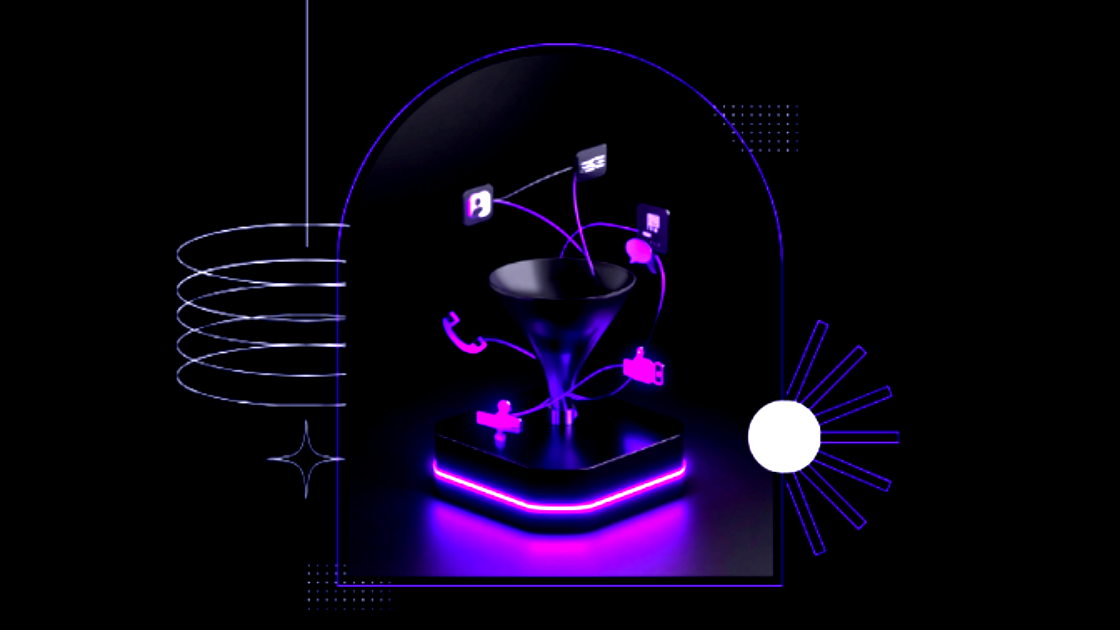
What truly changes when you implement it well isn’t “having more technology,” but stopping the loss of opportunities due to disorganization. No lead is left floating without an assigned follow-up, you can see at a glance how many opportunities are in each stage of the funnel, and if someone on the team goes on vacation—or leaves the company—the information doesn’t leave with that person. Along the way, you can automate reminders, quote delivery, and follow-up messages, without anyone having to remember manually.
Now, the most common mistake we see when supporting these implementations is this: many SMBs try out a CRM, half-fill it with data for a month, and abandon it because “you can't see the results.” It is almost never a problem with the tool itself, but rather that it was implemented without adapting it to the business's actual sales process, or without making it clear who is responsible for keeping it updated. A well-thought-out CRM adapts to how you sell, not the other way around, and that is precisely what we try to take care of when we help implement one.
Where the impact multiplies is when the CRM is integrated with the rest of your systems: billing, inventory, customer service. There, a closed sale can automatically trigger the generation of an invoice, a logistics task, or a welcome message, without anyone having to do it by hand. It is exactly what a management system like this allows Odoo, where the CRM is not an island but just another piece connected to the rest of the business.
To see it in action
If you want a visual review of what a CRM is and what it is used for in practice, this video explains it well:
You don't need to implement everything at once. It's enough to start by logging each new contact, defining simple stages —contacted, quote sent, closed— and reviewing that list once a week. From there, you can gradually add automations. If you'd like, at Pixie Labs we can help you choose and implement the right CRM for your sales process, integrated with the rest of your management system.